
Large, clear buttons
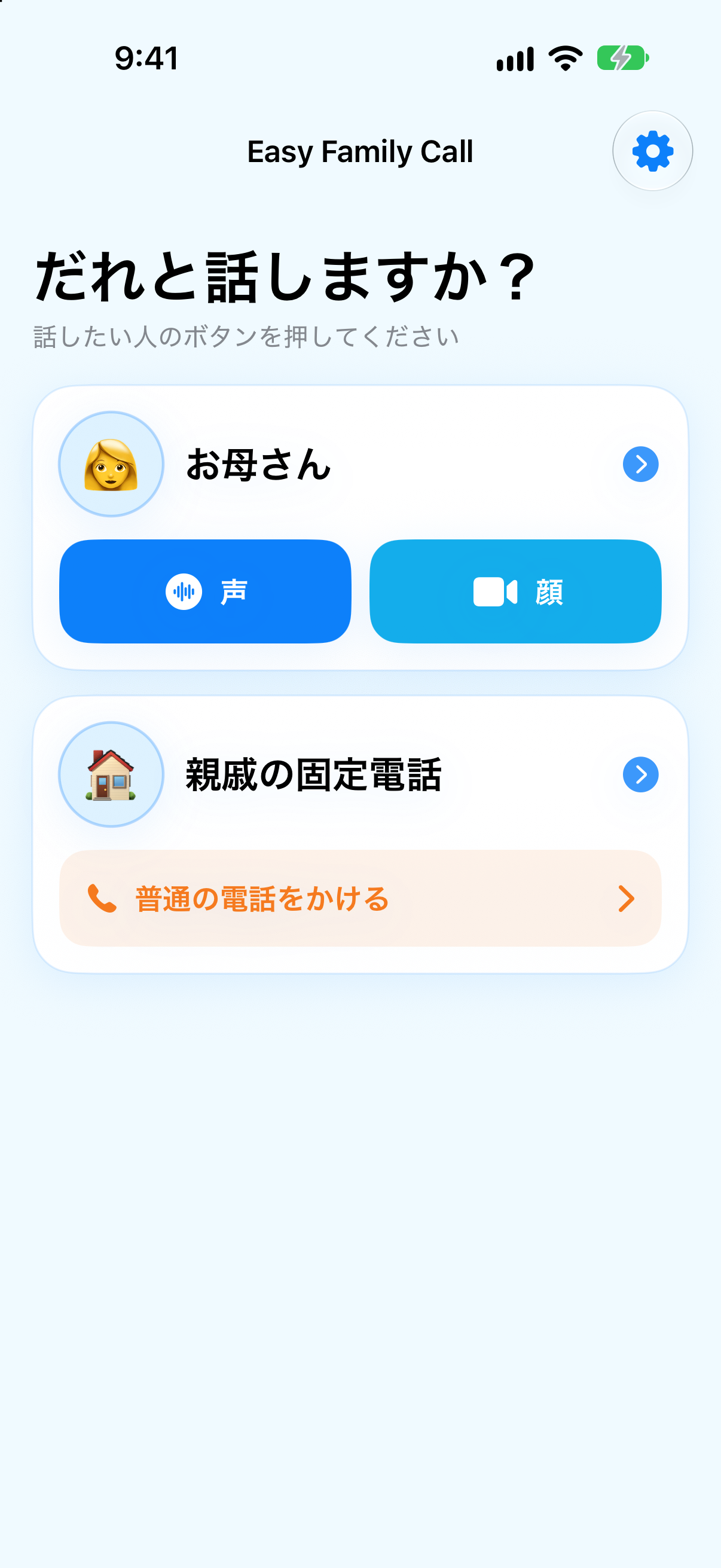
See names and contact photos when choosing a person.
1Tap FT Call
Save the people you call often, then choose them from a clear, simple screen. Get to FaceTime without searching through a complicated contact list.

CarPlay
See saved contacts on the CarPlay display. Choose a person, then select FaceTime Audio to start the call.
CarPlay supports FaceTime Audio only. FaceTime Video is not available from CarPlay.
iPhone
On iPhone, choose FaceTime Audio or FaceTime Video for each person. Large names and buttons make the next step easy to find.
FaceTime does not switch to a regular phone call automatically if unavailable.
Set up contacts
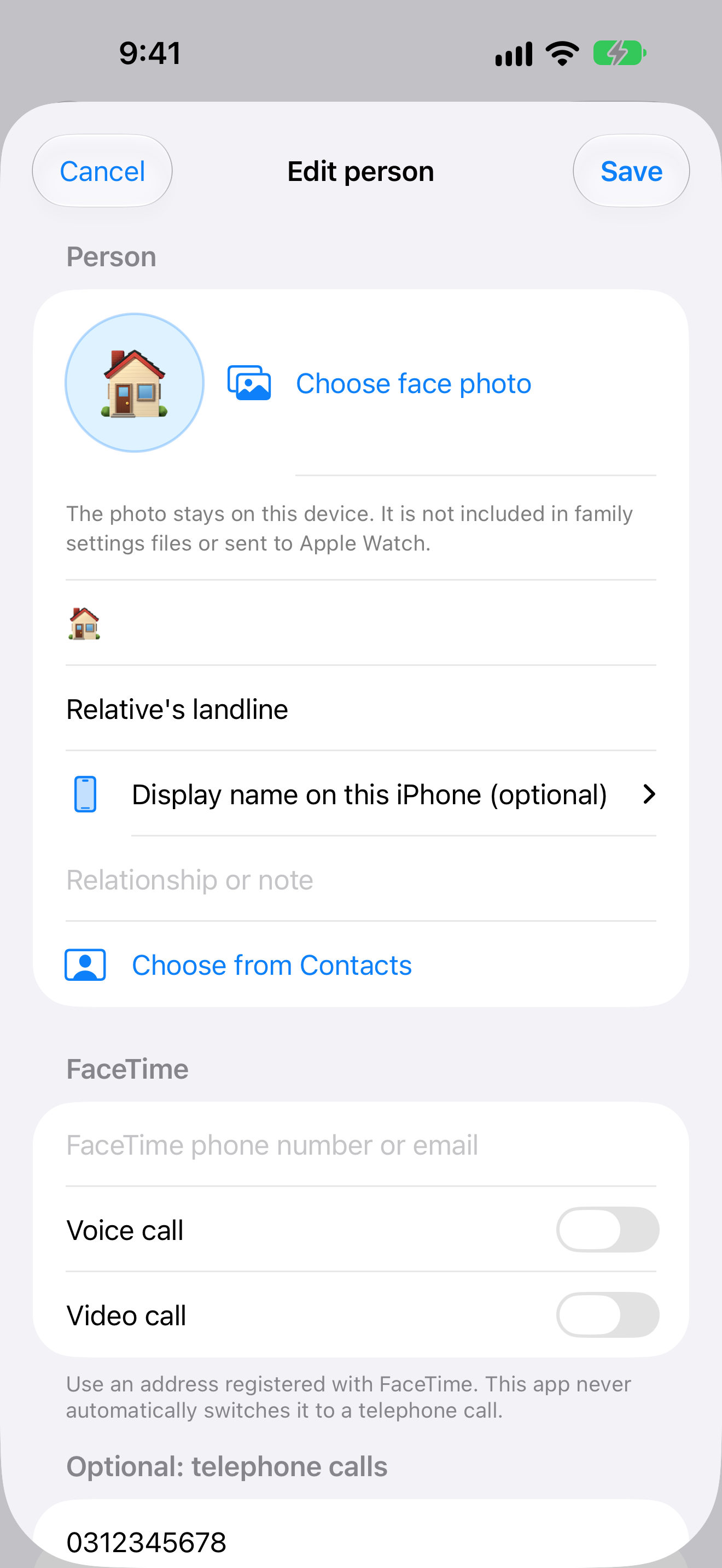
Add a name and FaceTime address, and include a phone number only when needed. You can also choose someone from your iPhone contacts. Once set up, select who you want to call from the home screen.
Simple by design
See the person and calling method you want without working through a long list.
See names and contact photos when choosing a person.
FaceTime Audio, FaceTime Video and regular phone calls are shown separately.
Allow regular calls per person and review the cost notice before calling.
Apple Watch & Widget
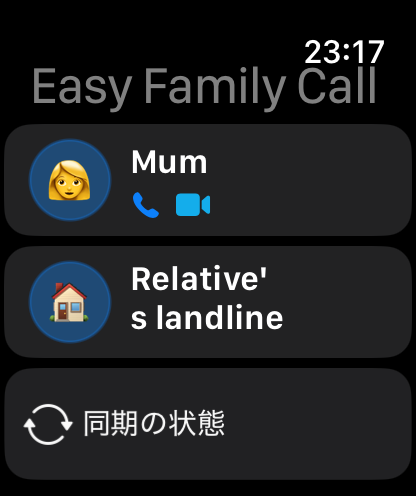
Use Apple Watch and widgets to get to saved contacts. Some actions continue on the iPhone.
Everyday calls
Privacy
The app does not operate its own calling network or contacts server. See the Privacy Policy for details about local storage and data you choose to share.
Privacy policyFaceTime does not automatically switch to a regular phone call.
FaceTime uses an internet connection. It does not use regular telephone calling, but mobile data charges may apply under your plan.
Pricing
Use the core features with up to two people. A one-time purchase unlocks additional people, up to 50.
FaceTime uses an internet connection. It does not use regular telephone calling, but mobile data charges may apply under your plan.
Check the latest price shown by the App Store.
FAQ
Save the people you call often, then choose them from a clear, simple screen. Get to FaceTime without searching through a complicated contact list.
See 1Tap FT Call on the App Store